The install is only part of the job
You know the drill. You get called out to quote an EV charging job, then spend half the conversation answering questions that sit well outside the cable run, board space, protection, and charger hardware. Which charger will work online? Who takes payment? How does the owner see usage? What happens when a driver says the charger is down?
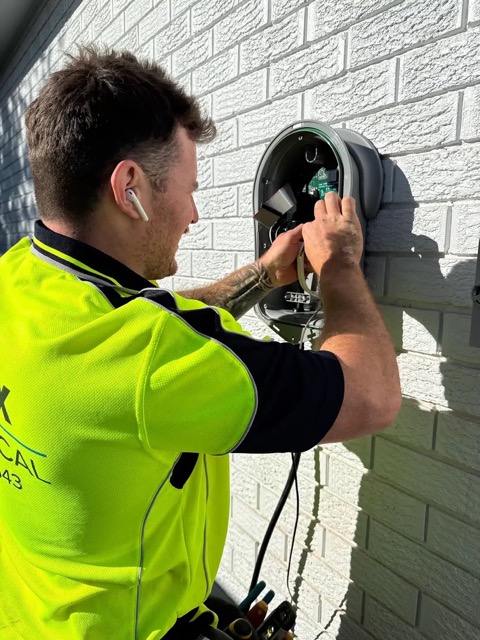
That is why good electrical contractors matter on these jobs. You are often the person who spots the missing piece before the client has signed off on a bad setup. If the software, payments, charger settings, and support path are not thought through, the project can still become your problem after the equipment is on the wall.
If your client wants online-connected chargers with an integrated OCPP gateway, Stripe payments, invoicing, and client management included out of the box, ChargeStack may be a good fit for anything from one charger through to a larger Level 2 rollout.
Platform features you can offer your clients
Give clients the day-to-day tools they need without piecing together separate systems after the installation is complete.
- OCPP charger connectivity and monitoring. Connect compatible chargers, see their current status, and keep setup details in one place.
- Sites, users, and reporting. Give clients visibility across chargers, driver access, charging sessions, usage, and reports.
- Payments and invoicing. Support QR and Stripe card payments, pricing policies, receipts, monthly invoicing, and company billing.
- Static load balancing. Apply fixed AC charging limits across compatible chargers to keep the rollout within its planned allocation, alongside the site's electrical protections.
- Idle SMS alerts. Remind drivers when charging has finished but their vehicle remains connected, helping free the charger without staff having to chase them.
- Optional idle fees. Pro clients can add a grace period and charge for connected idle time on paid sessions, with the fee shown separately on the receipt.Clients can add a grace period and charge for connected idle time on paid sessions, with the fee shown separately on the receipt.
We try to make charger connection as straightforward as possible. The portal gives each charger the setup values needed for the manufacturer's installer app or local web settings, then shows when the charger is online and ready to use.
If you want to talk through a job, use the contact form. If you just want to see what the portal looks like, start with a free account and have a poke around.